2982d474cf
|
||
|---|---|---|
| resource | ||
| Dockerfile | ||
| README.md | ||
| action.yml | ||
| entrypoint.sh | ||
README.md
SFTP Deploy action
Use this action to deploy your files to an SSH server using password authentication.
Based on SFTP-Deploy-Action https://github.com/wlixcc/SFTP-Deploy-Action
Inputs
username
Required SSH username.
server
Required SSH server address.
port
SSH server port , default 22
ssh_password
Required SSH password
local_path
Required local_path of your project, if you want transfer a single file:use a path like ./myfile, if you want transfer a directory: use a path like ./static/*, it will transfer all files under the static directory. Defaults to ./*(will transfer all files in your repo).
remote_path
Required remote_path
args
args of sftp cmd, E.g.-o ConnectTimeout=5
Action Example
on: [push]

jobs:
  deploy_job:
    runs-on: ubuntu-latest
    name: deploy
    steps:
      - name: Checkout
        uses: actions/checkout@v2
      - name: deploy file
        uses: wlixcc/SFTP-Deploy-Action@v1.0
        with:
          username: 'root'
          server: 'your server ip'
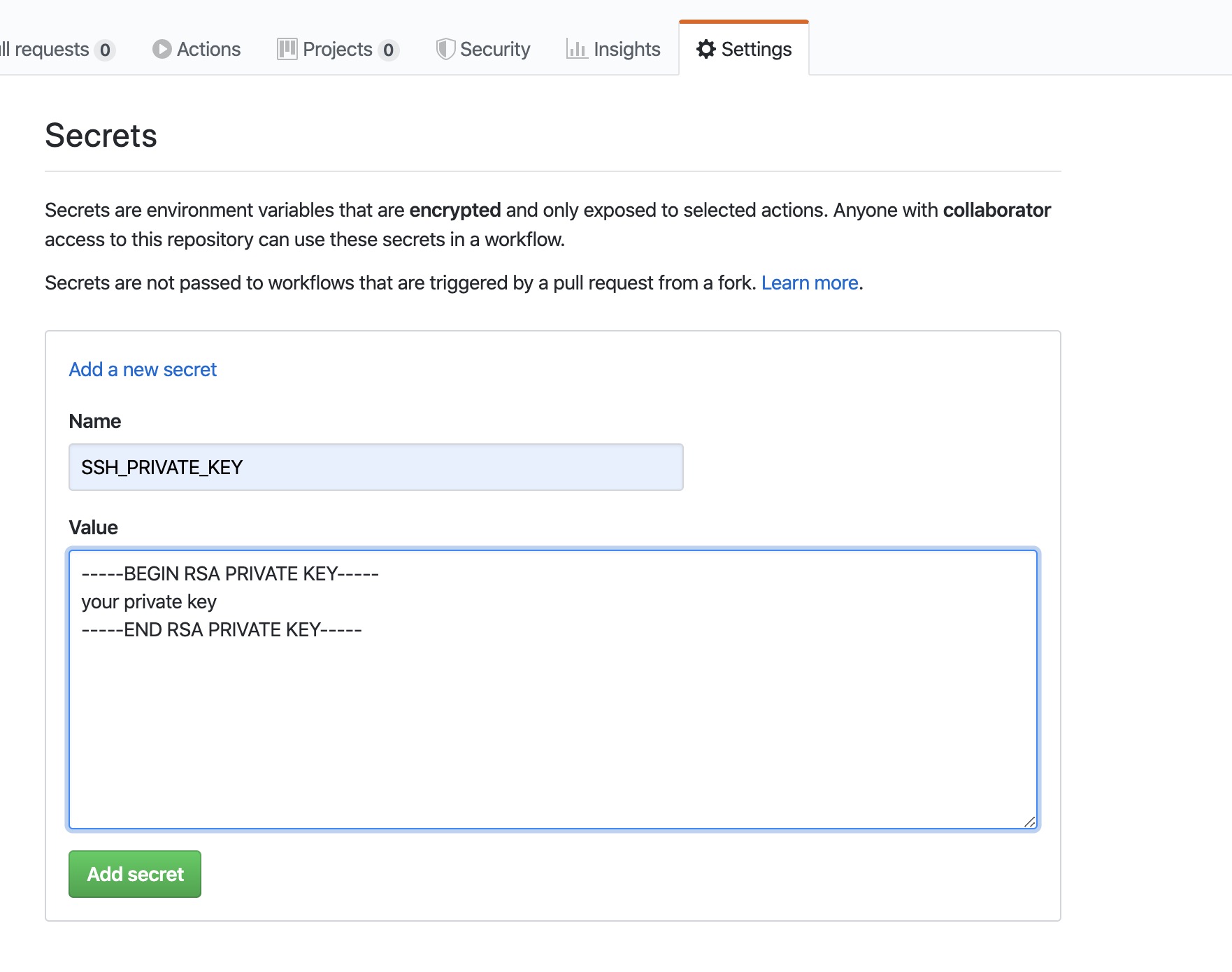
          ssh_private_key: ${{ secrets.SSH_PRIVATE_KEY }}
          local_path: './static/*'
          remote_path: '/var/www/app'
          args: '-o ConnectTimeout=5'
1. Deploy React App Example
If you use nginx, all you need to do is upload the static files to the server after the project is built
on: [push]

jobs:
  deploy_job:
    runs-on: ubuntu-latest
    name: build&deploy
    steps:
      # To use this repository's private action, you must check out the repository
      - name: Checkout
        uses: actions/checkout@v2

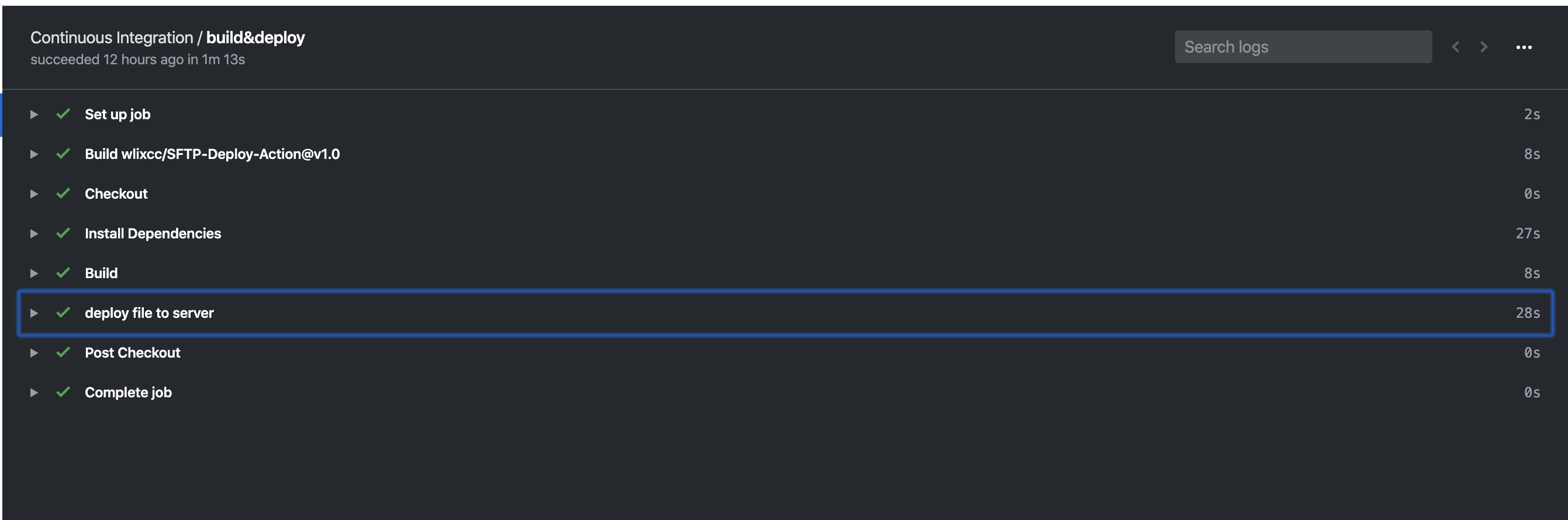
      - name: Install Dependencies
        run: yarn
      - name: Build
        run: yarn build

      - name: deploy file to server
        uses: wlixcc/SFTP-Deploy-Action@v1.0
        with:
          username: 'root'
          server: '${{ secrets.SERVER_IP }}'
          ssh_private_key: ${{ secrets.SSH_PRIVATE_KEY }}
          local_path: './build/*'
          remote_path: '/var/www/react-app'
          args: '-o ConnectTimeout=5'
2.Deploy Umi App Example (Ant Design Pro)
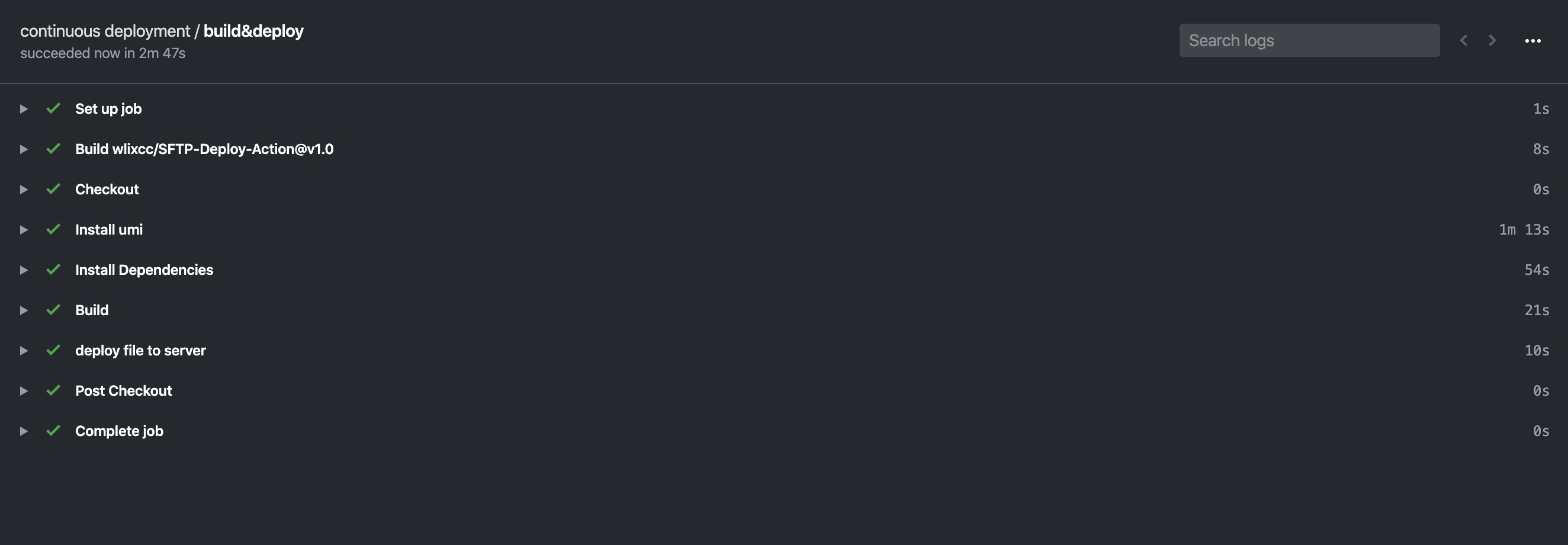
name: continuous deployment
on: [push]

jobs:
  deploy_job:
    runs-on: ubuntu-latest
    name: build&deploy
    steps:
      # To use this repository's private action, you must check out the repository
      - name: Checkout
        uses: actions/checkout@v2

      - name: Install umi
        run: yarn global add umi

      - name: Install Dependencies
        run: yarn
      - name: Build
        run: yarn build

      - name: deploy file to server
        uses: wlixcc/SFTP-Deploy-Action@v1.0
        with:
          username: 'root'
          server: '${{ secrets.SERVER_IP }}'
          ssh_private_key: ${{ secrets.SSH_PRIVATE_KEY }}
          local_path: './dist/*'
          remote_path: '/var/www/umiapp'
          args: '-o ConnectTimeout=5'